 Inobitec DICOM Viewer Lite
 Inobitec DICOM Viewer Pro
 Inobitec Web DICOM Viewer
 Inobitec DICOM Server (PACS)
5.1. Open Study in Multiplanar Reconstruction window
To open a study in the multiplanar reconstruction window:
- Load the studies to the DICOM Viewer.
- Select the target study from the study panel.
- Click the MPR reconstruction
 button on the toolbar. To select the tab location
(in the current window, in a separate window or in the full screen mode), click on the
arrow on the button. To open the multiplanar reconstruction window in a new tab in the
current window, click on the button. The process may take some time.
button on the toolbar. To select the tab location
(in the current window, in a separate window or in the full screen mode), click on the
arrow on the button. To open the multiplanar reconstruction window in a new tab in the
current window, click on the button. The process may take some time.
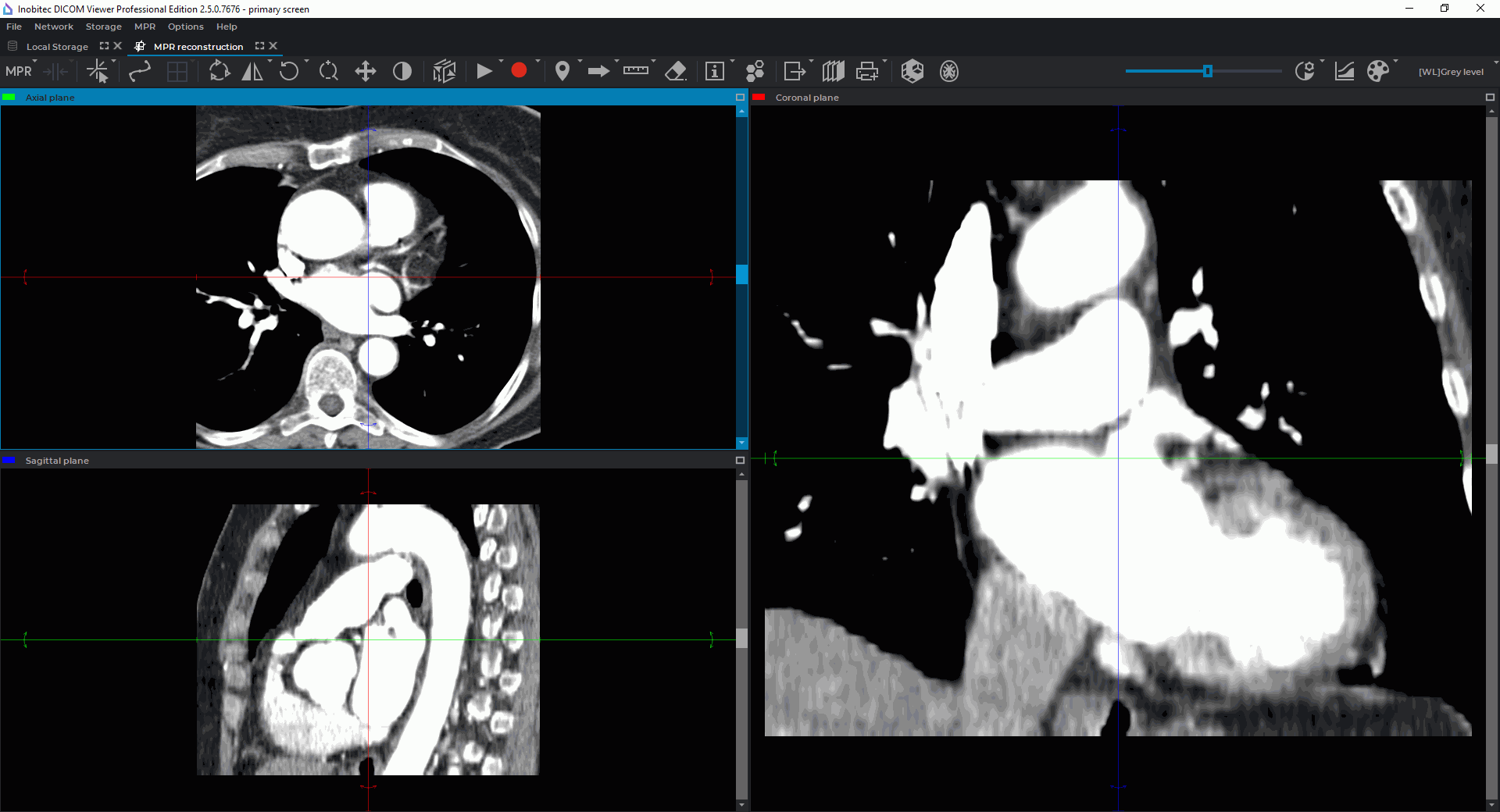
Fig. 5.1 illustrates the multiplanar reconstruction window.