
 Inobitec DICOM Viewer Lite
 Inobitec DICOM Viewer Pro
 Inobitec Web DICOM Viewer
 Inobitec DICOM Server (PACS)
3.2. Model Projection
The DICOM Viewer creates an opportunity to show the model in the perspective (Fig. 3.3) and parallel (Fig. 3.2) projection. The button will look different depending on the projection selected:
 | Switch to parallel projection. The perspective projection is now selected (selected by default) |
 | Switch to perspective projection. The parallel projection is now selected |
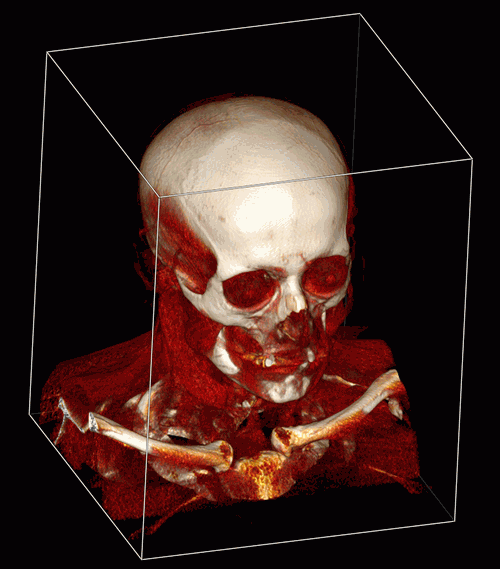
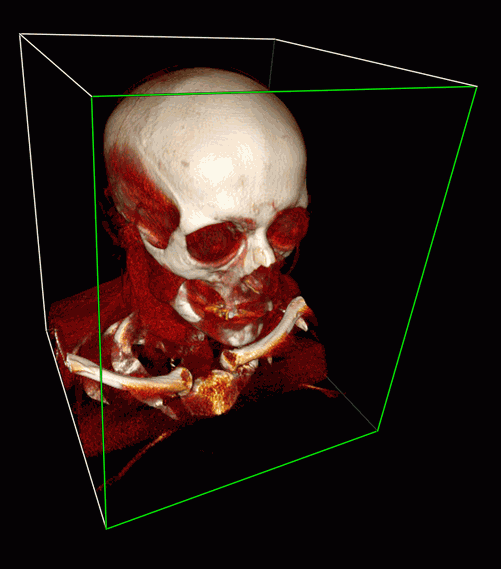
The Clipping Box tool in Fig. 3.2 and Fig. 3.3 is included for clarity and described in detail in Section 3.10.


