 Inobitec DICOM Viewer Lite
 Inobitec DICOM Viewer Pro
 Inobitec Web DICOM Viewer
 Inobitec DICOM Server (PACS)
11.2. Open Series in ECG View window
Load studies to the DICOM Viewer and select the target study. There are five ways to open a series:
- Click the ECG Viewer
 button on the toolbar. To select the tab location (in the
current window, in a separate window or in the full screen mode), click on the arrow on
the button. To open an ECG in a new tab in the current window, click on the button.
button on the toolbar. To select the tab location (in the
current window, in a separate window or in the full screen mode), click on the arrow on
the button. To open an ECG in a new tab in the current window, click on the button.
- Double-click the left mouse button on the study title on the study bar.
- Double-click the left mouse button on the series icon on the series panel.
- Drag the series icon to the study panel, holding the left mouse button.
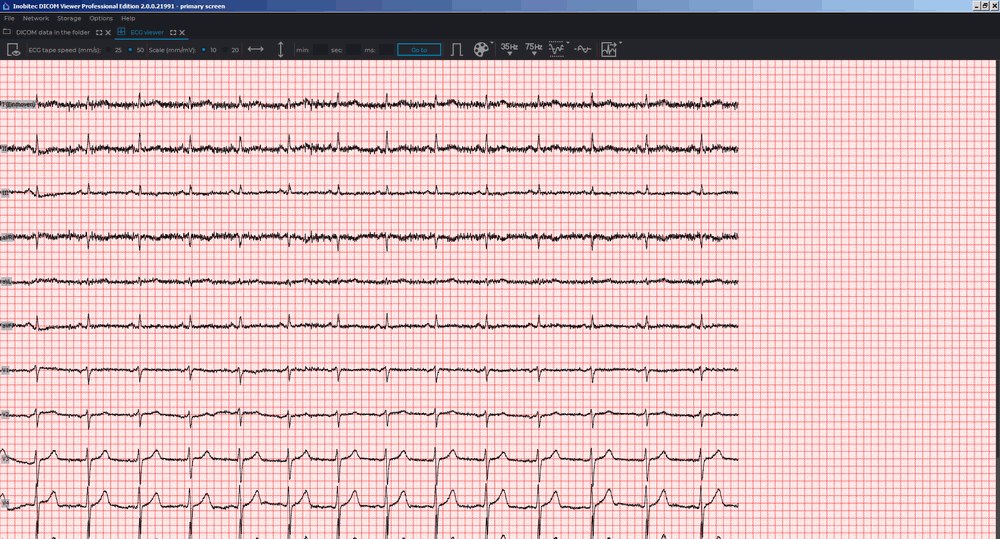
- Right-click the mouse to call the context menu for the series icon and select one of the items in the ECG Viewer section. The ECG will open in a new tab in the current window (Fig. 11.1).